A scheduler that thinks.
Build a complete master schedule in minutes — then refine it with AI, on the Board, or by hand.
Build a complete master schedule in minutes — then refine it with AI, on the Board, or by hand.
nOS places thousands of course requests in minutes — conflict-free. Don't like the trade-offs? Compare every optimization goal side-by-side before you commit to one.
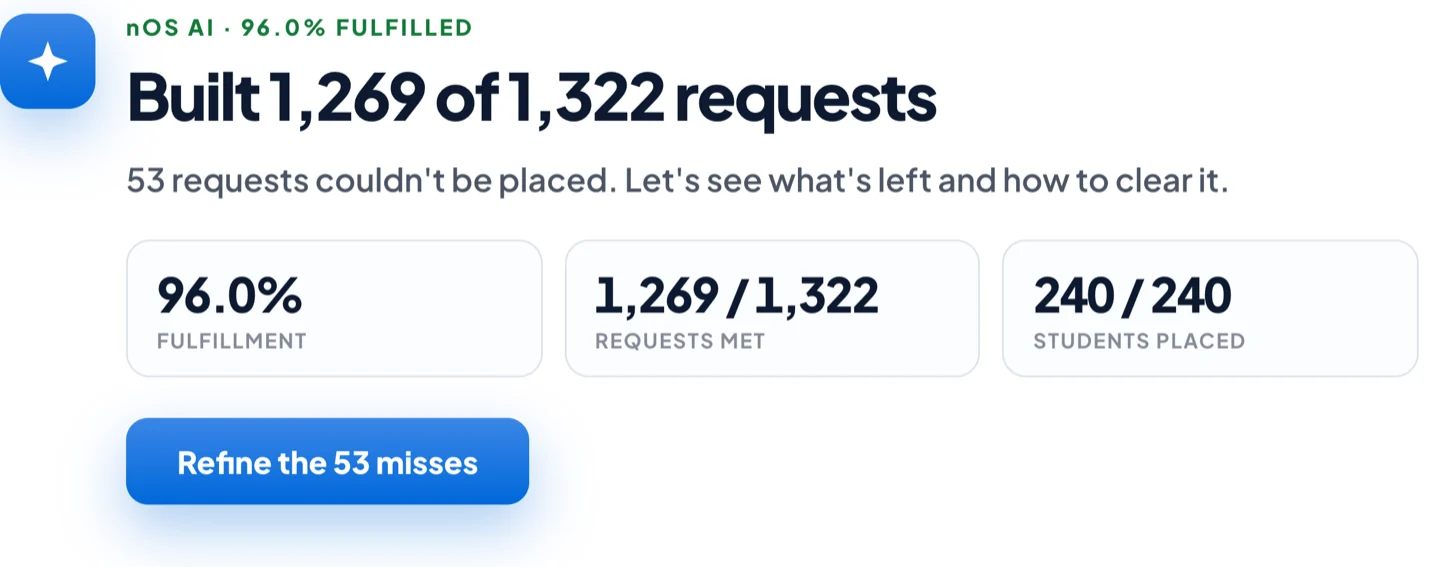
Not a mockup — a real nOS build, from import to a finished, conflict-free schedule, in 80 seconds.
Runs in your browser · no signup, nothing to install.
nOS AI is built into the platform and goes beyond answers. Ask it to fill open seats, swap teachers, or auto-resolve double-bookings — it stages the change, shows you the impact, and waits for your Commit.
Heads up — this is built into the platform. It's not the nOS AI Assistant, which is a separate, standalone app.
Pick the goal that matches your school — or start with Best overall, which tries every strategy and ships the winner.
The default. nOS runs every strategy and hands you the strongest schedule of the lot.
Place as many requested courses as possible for the highest overall percent met.
Even out enrollment across every section of the same course.
Hold a healthy gender ratio in each section across the board.
Give upperclassmen priority placement where requests compete for seats.
A balanced multi-objective blend of fulfillment, size and gender.
When you want to move things yourself, nOS keeps you honest — flagging conflicts live and letting you weigh every alternative before you commit.
Lay every section out on a resource × period grid. Drag a "magnet" to a new room or block and nOS tells you — before you let go — whether it's valid, blocked, or a conflict.
Save runs as scenarios and compare the trade-offs at a glance — fulfillment, balance, conflicts. When one wins, promote it to your production plan in a click.
The day-to-day workhorse features that keep the whole schedule honest.
Type "keep AP Bio in period 3" and nOS compiles it straight into a solver rule — no dictionary to learn.
Double-booked teachers, room overlaps, and constraint violations flagged the instant they occur.
Capacity, enrollment, and full rosters for every section across every block — drill in to see who's where.
Fulfillment by grade, top-missed courses, and the exact reason every unmet request couldn't land.
Monitor progress, launch runs, and manage every saved schedule from a single screen.
Push finished schedules straight back — 19 SIS integrations, write-back to 18 of them.
All four workspaces, Guided Mode, and every change you've made — on one calm screen. Here's the 30-second tour.
Guided mode walks you through the whole build — these are the real screens.


